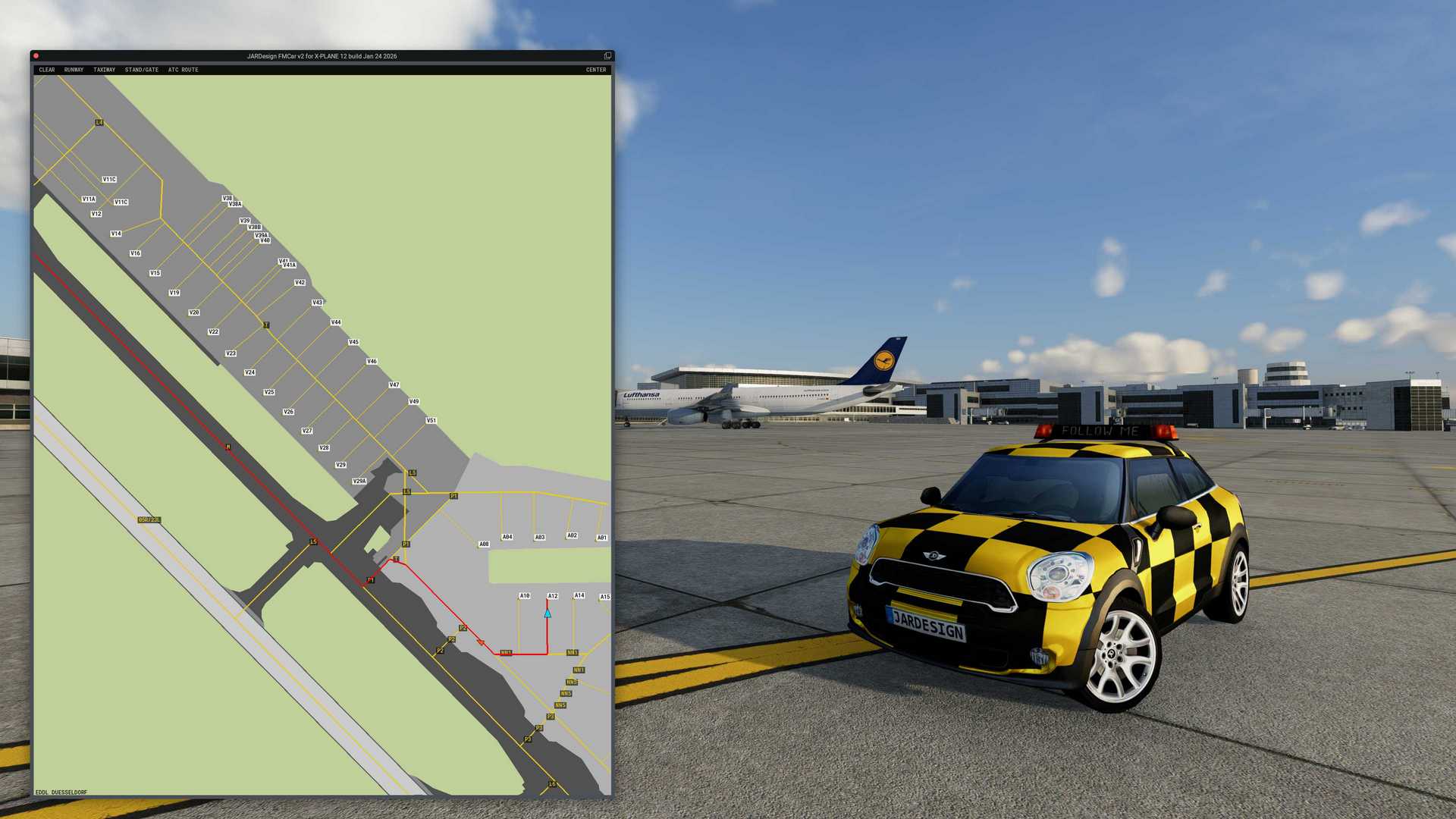
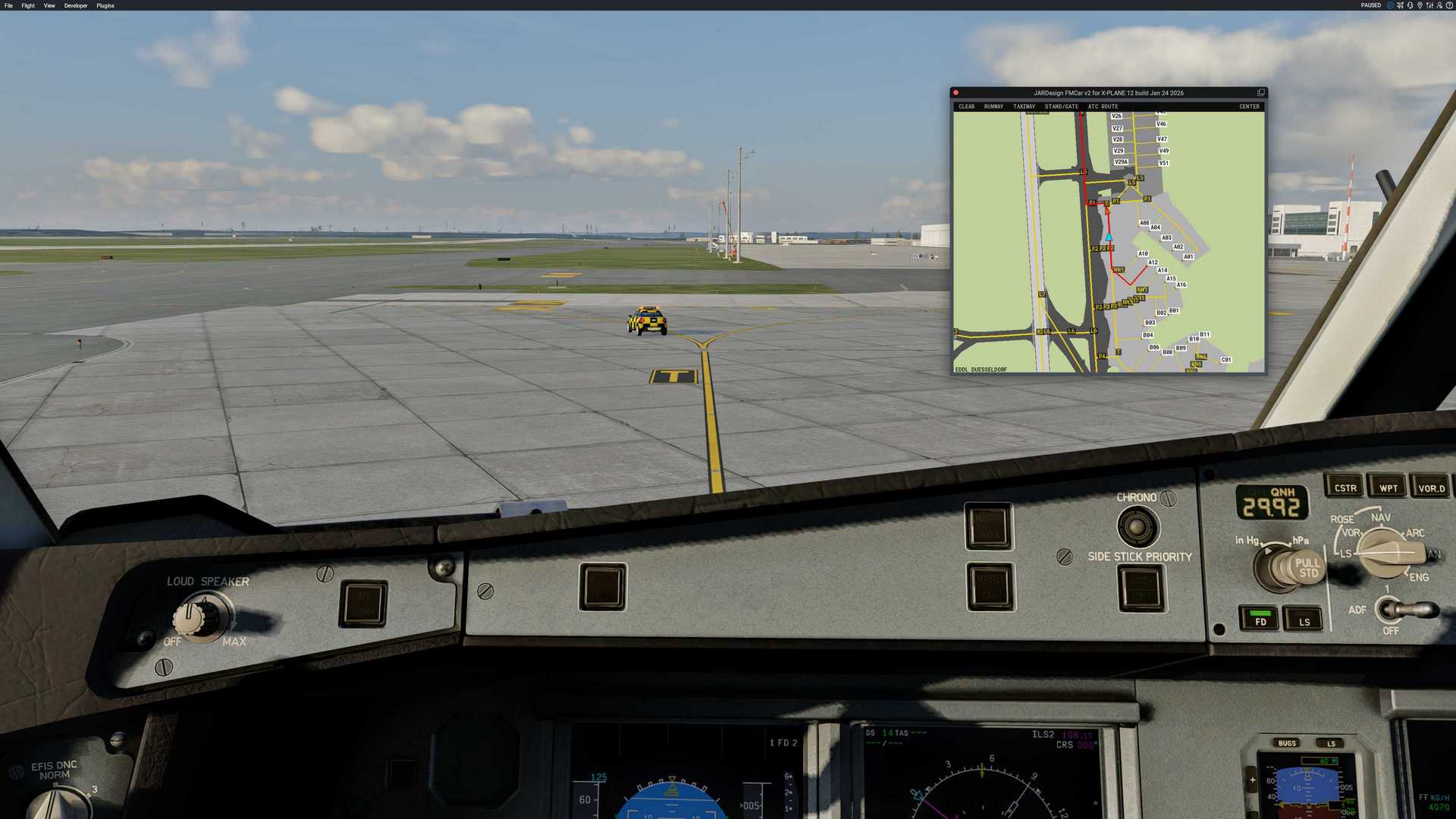
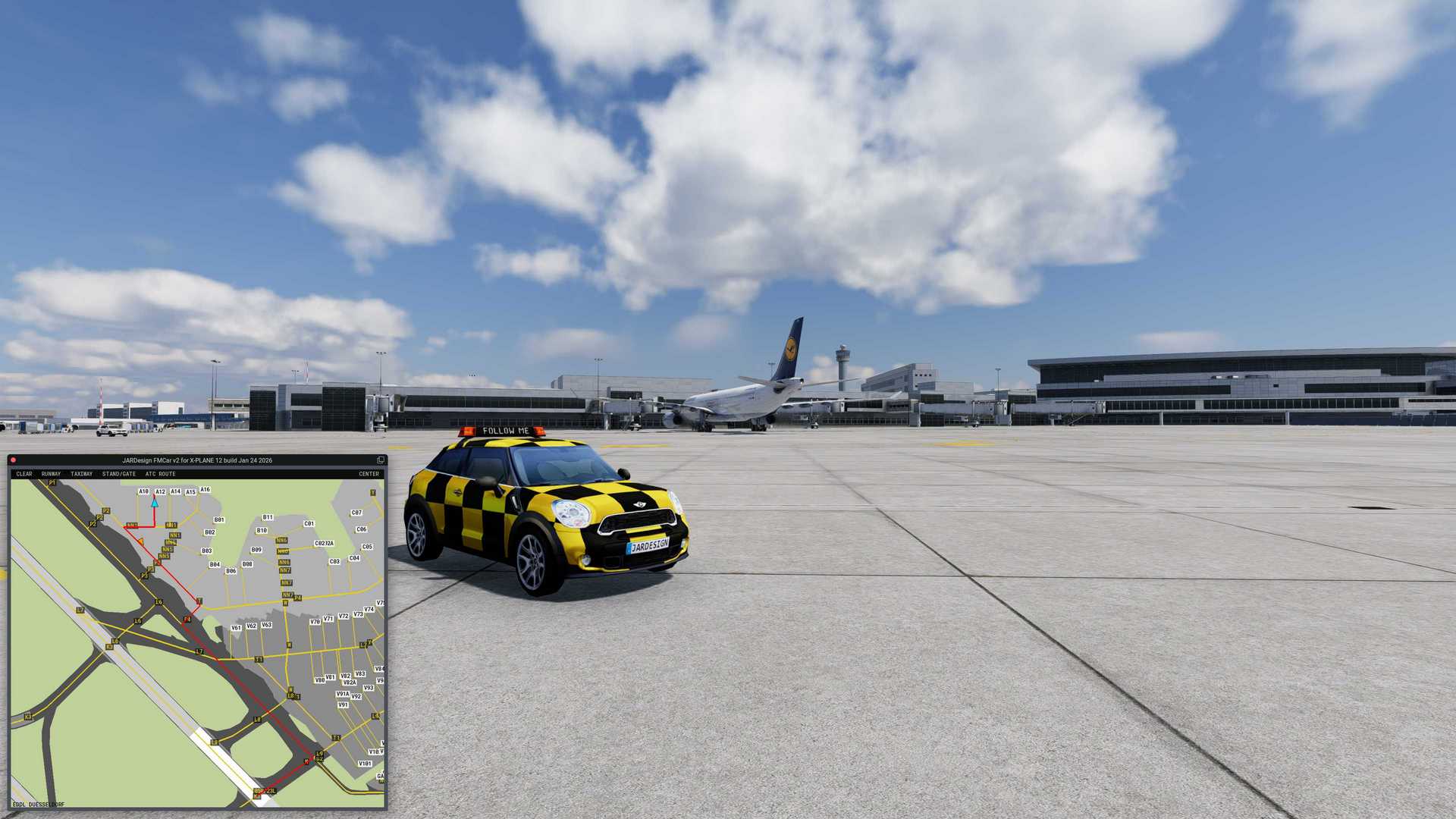
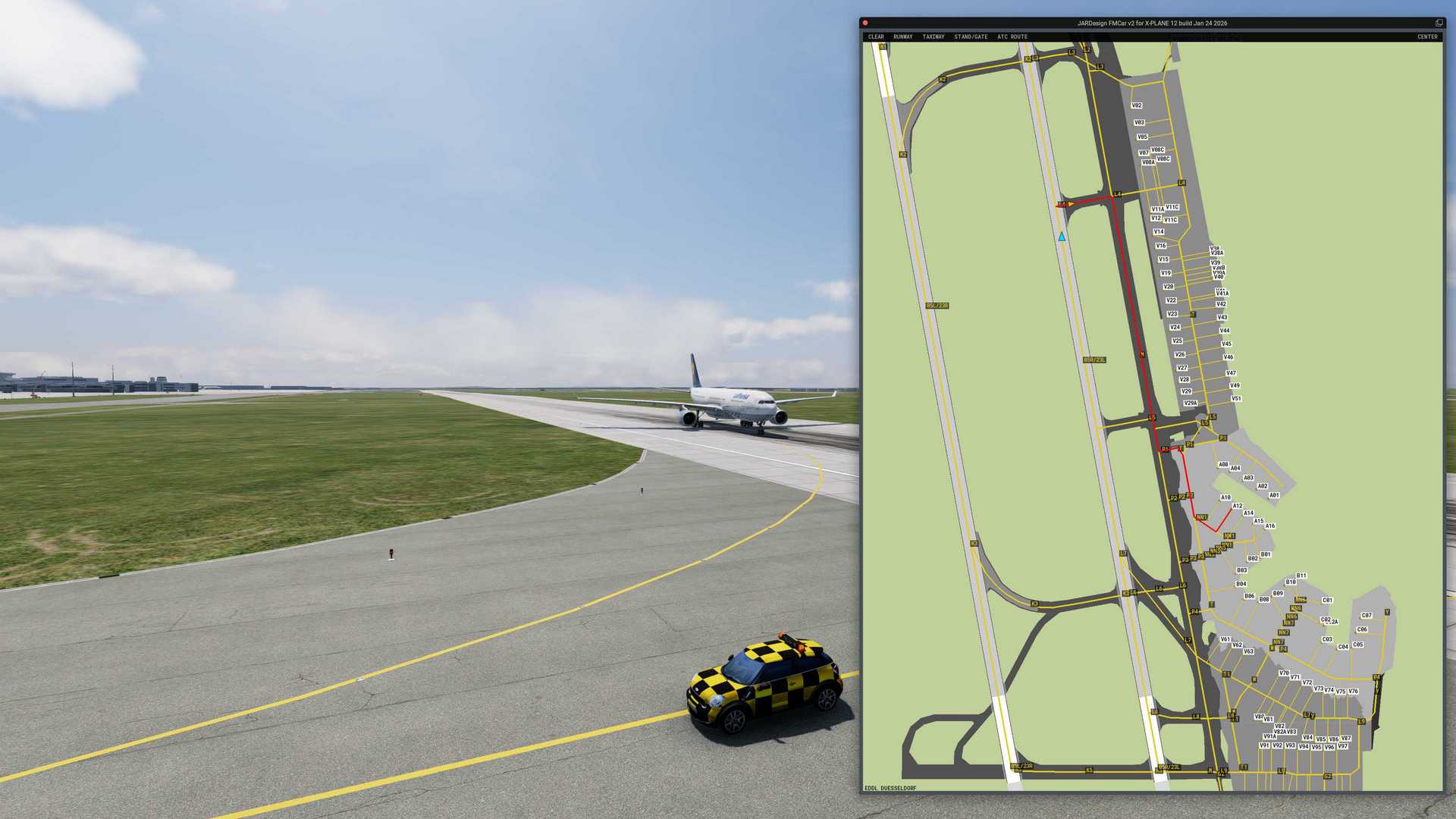
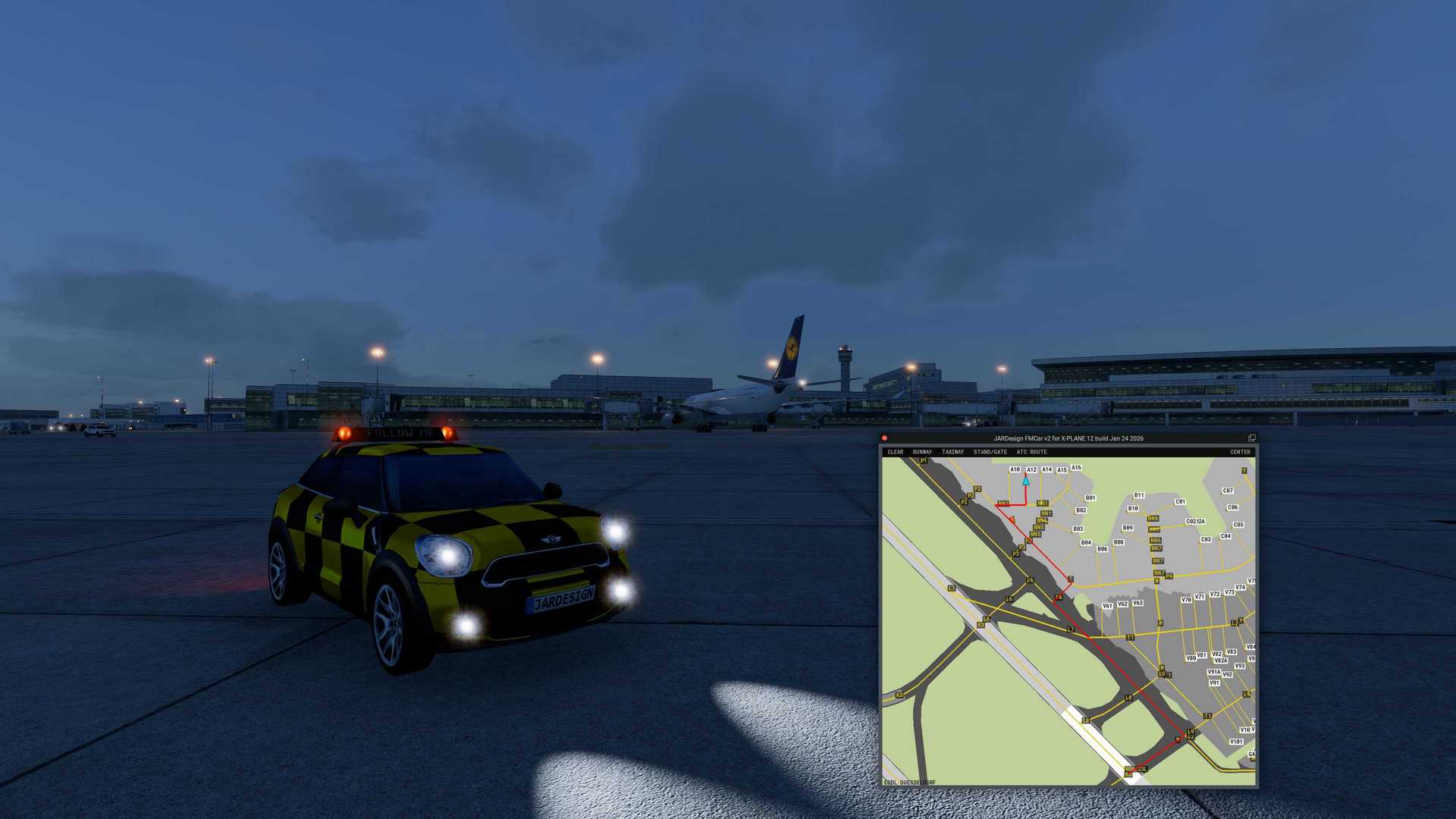
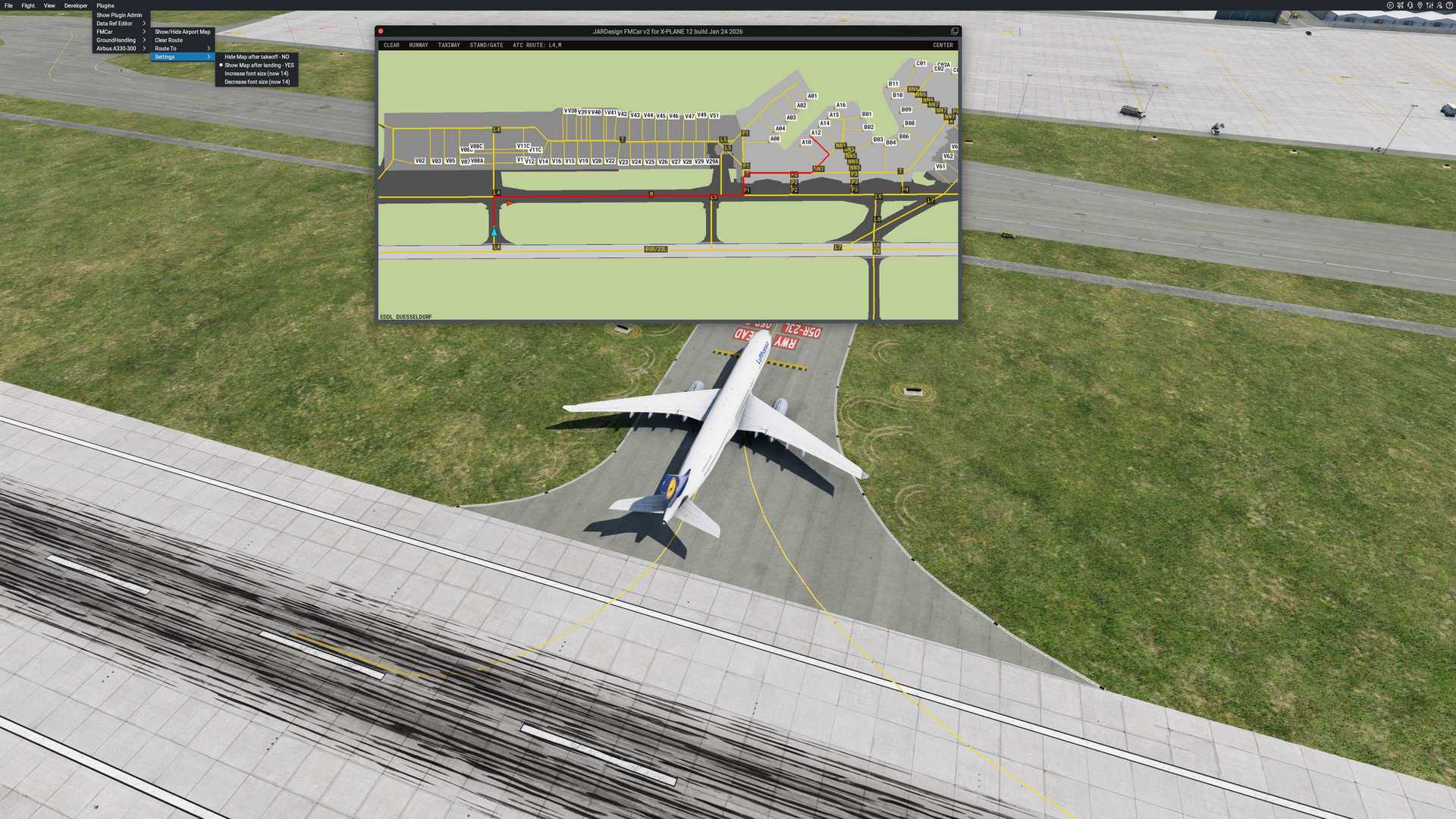
Animated Follow Me Car with automatic behavior
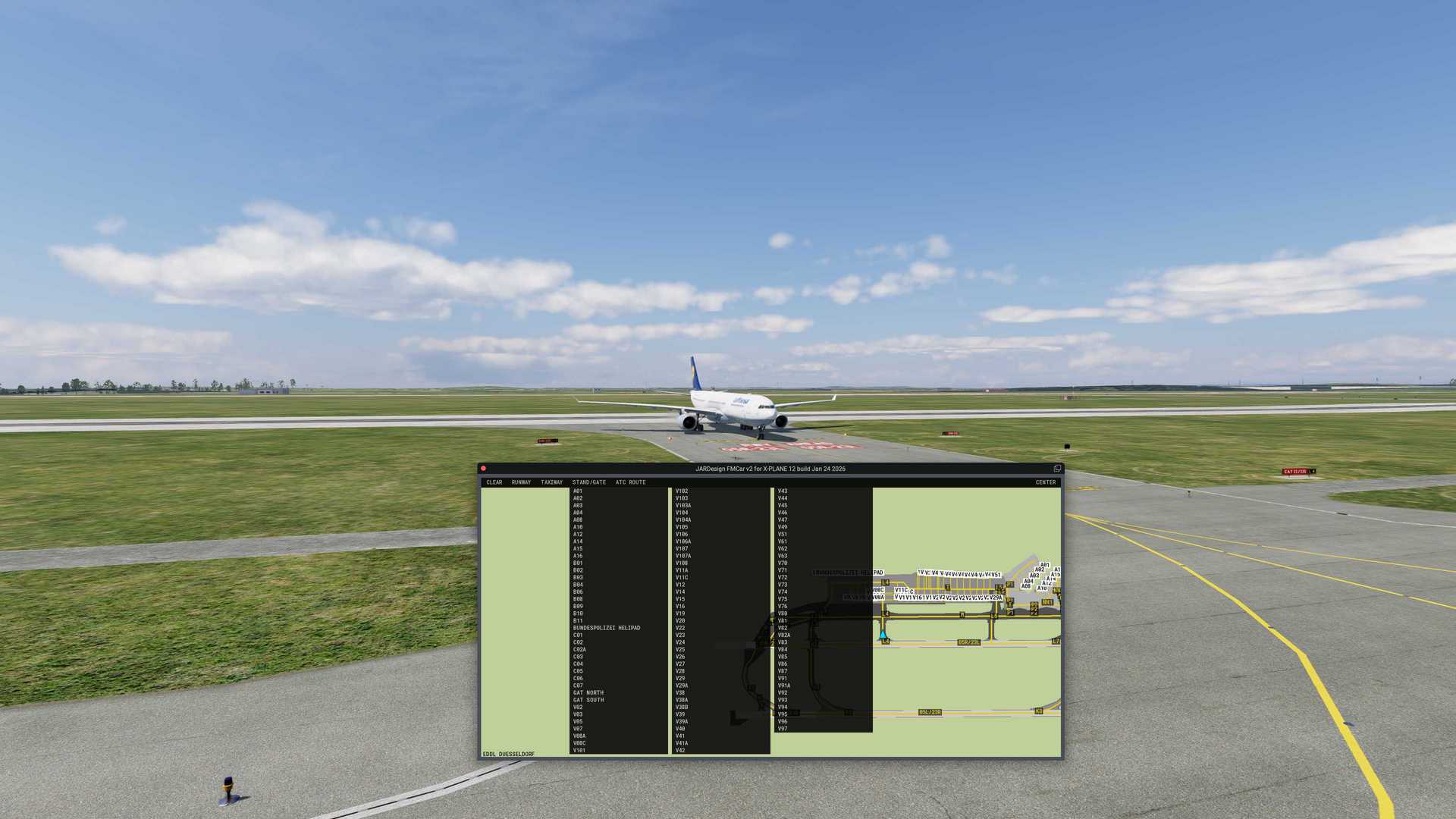
Displays scenery runways, taxiways, aprons, gates/stands
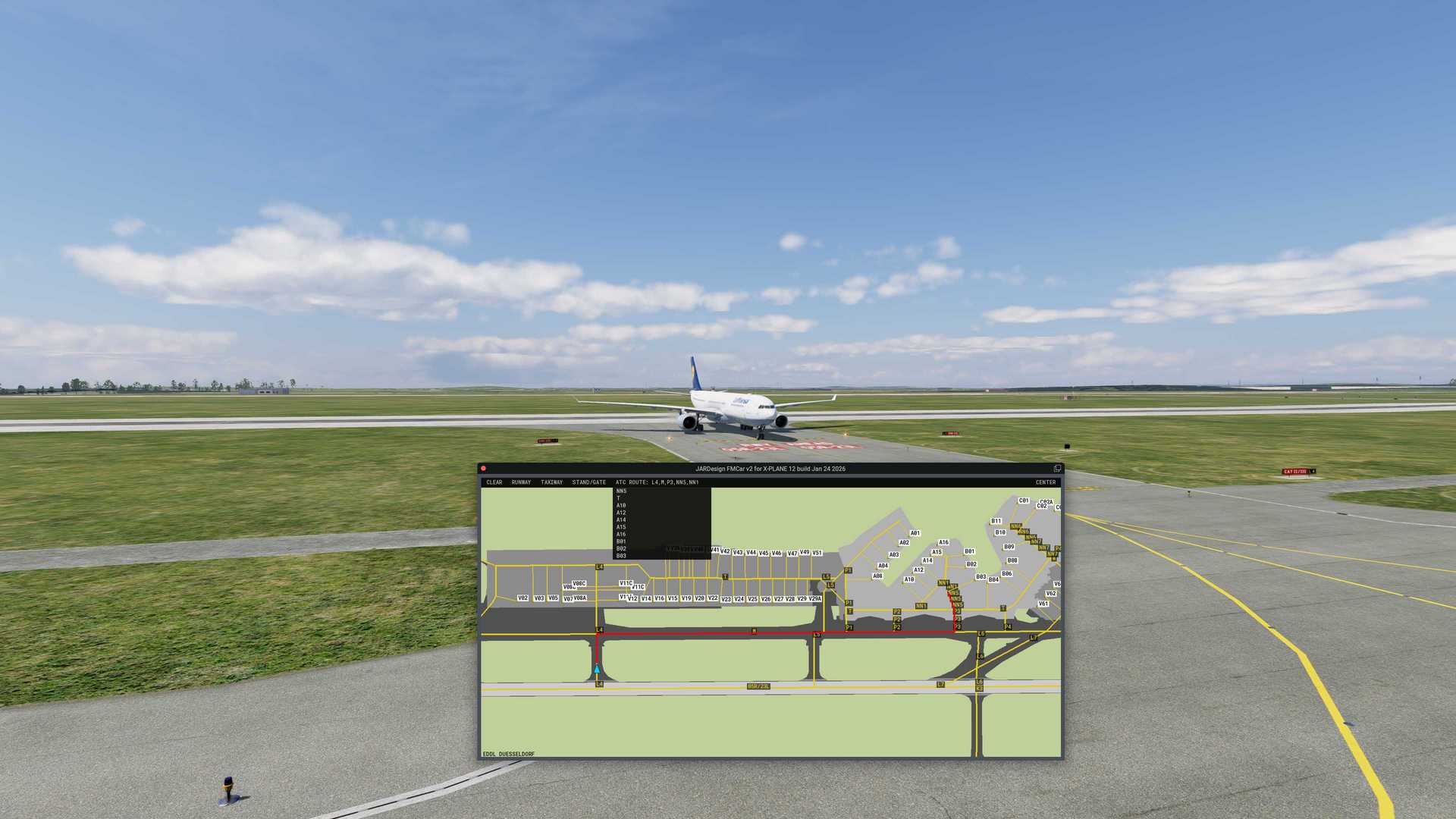
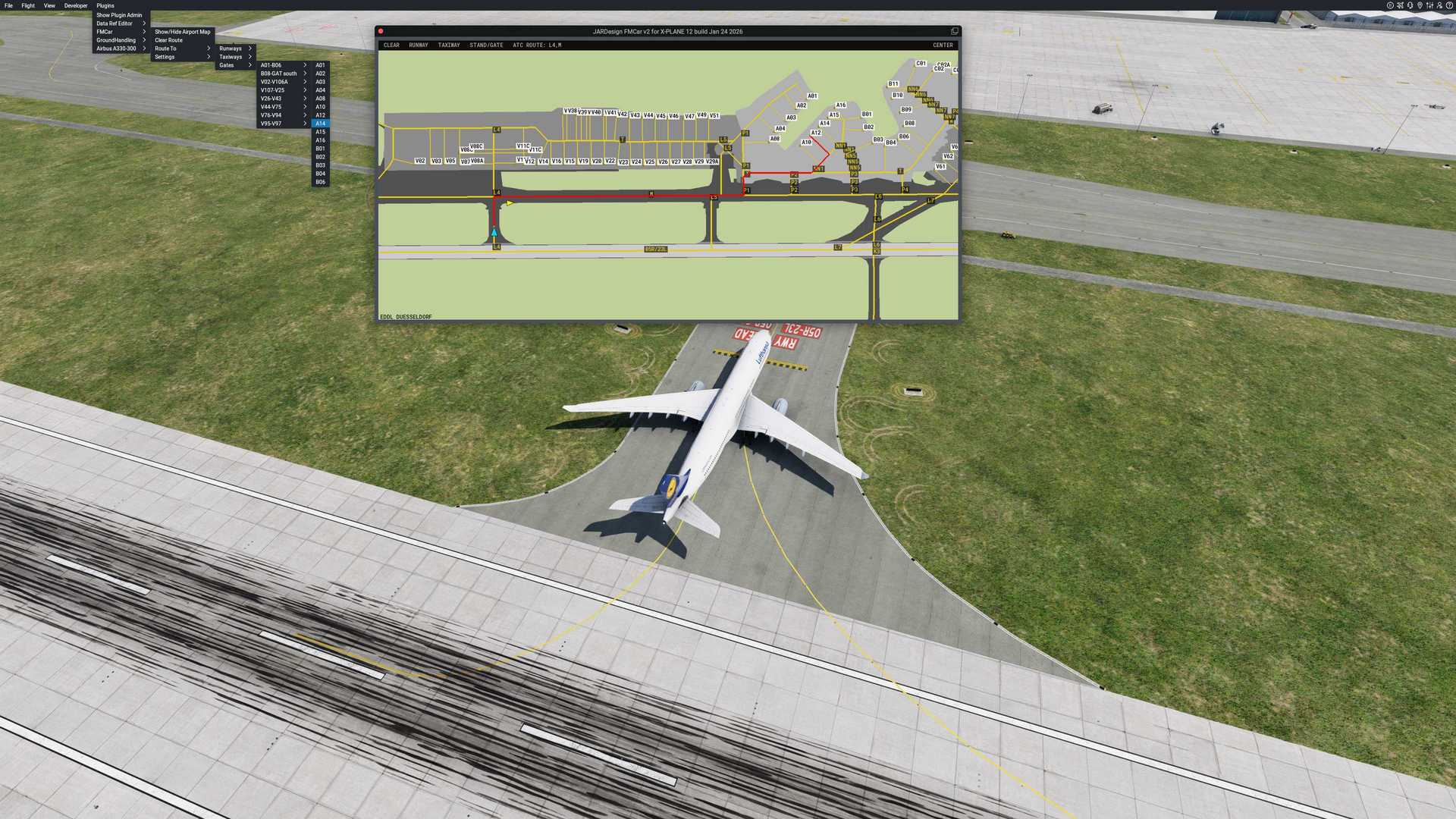
Interactive Airport Map
One click taxi route planning
ATC Route step-by-step input feature
Compatible with any X-Plane 12 airport/scenery
Windows 10/11, MAC OS (Intel & Arm CPU)
X-PLANE 12
CPU: 2,4Ghz Multi-core
Memory: 8 GB RAM
Video Card: 4Gb VRAM
Please read this before spend money.
By installing this Software product you agree to be bound by the terms of Agreement included into your ZIP pack. If you do not agree to the terms of this Agreement, please, do not install or use the Product.
This is a payware product. It requires activation using a serial key. One serial key allows activation on a single computer. A backup activation is provided in case the computer needs to be replaced.
If you will meet technical troubles with installing or using this product – please contact technical support. For the initial contact – click the SUPPORT link on the main page of this website. Please note we can answer you on English only.
If product serial key has not been activated and the rules of the Store where the product was purchased allows the possibility of a refund - Money back guarantee 100%. For all other cases – no refund.
Please note - FMCar for X-Plane 12 is a separate product and not compatible with FMCar for X-Plane 10/11. Serial keys for XP10/11 not compatible and can not be used with FMCar for X-Plane 12. Price is different.
Airport / Scenery Compatibility: Any airport that contains taxiway, runway,gate, and airport surface layout data in its apt.dat file according to XPlane12 apt.dat specifications. The plugin may be unable to read airportdata if the scenery folder is located on an external drive or if any "smartlinks" are used for access.
The plugin does not affect aircraft physics — it provides only visual and navigational guidance.
The FMCar map window operates exclusively inside the X-Plane simulator as a floating in-sim window. Detaching the map window into a separate operating system window (pop-out mode) is not supported and is intentionally disabled.